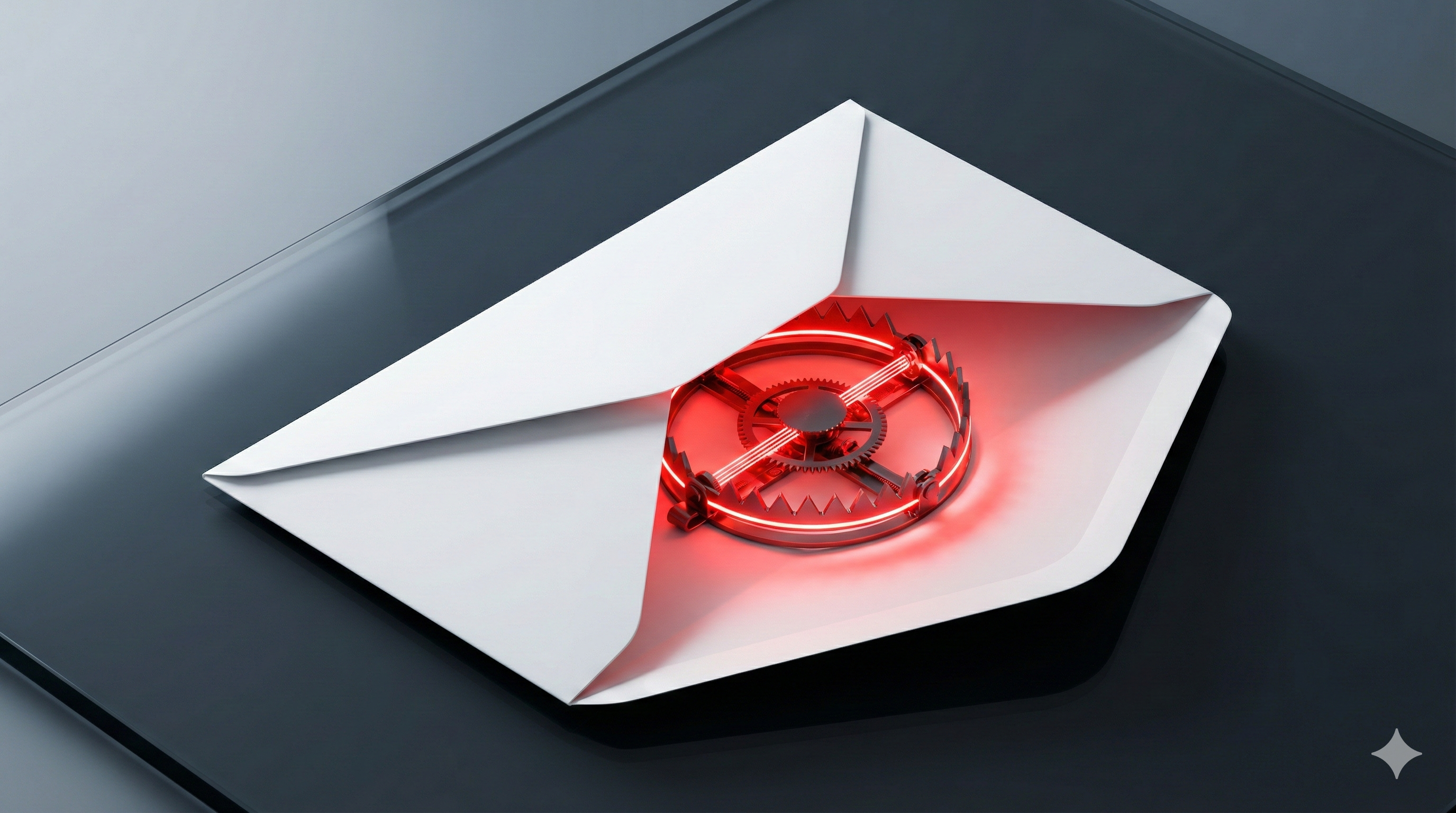
For criminals and fraudsters, personal data of internet users is always highly desirable. In many cases, it allows access to credit cards, bank accounts or online services. Phishing is one of the oldest and most successful attack methods in the cyber security threat landscape.
Phishing — obtaining other people's personal data using fake emails or websites — remains one of the most popular methods of cybercrime. Over 90% of all successful cyber attacks begin with a phishing message. The following is an overview of the most common methods — and how to effectively protect yourself.
Fake Notifications from Social Networks
Cyber criminals send fake notifications that appear to come from popular social networks, referring to new friends, their activities or similar topics. At first, these messages often do not differ from regular, legitimate messages. However, they contain a phishing link that is not always easy to recognize as such. When users click on the link, they are prompted to enter their username and password on a fake login page.
A very popular variant are messages from alleged social networks indicating that suspicious activity has been detected on the recipient's account or that a new feature requires users' consent to avoid being blocked.
How to spot them: Check the sender domain — real LinkedIn notifications come from @linkedin.com, not @linkedin-notifications.com. Hover over links before clicking to verify they lead to the actual platform.
Banking Phishing
Phishing aimed at gaining access to users' bank card details remains the most common type of fraud on the web. Fake messages are sent on behalf of banks, most commonly referring to the alleged locking of an account or "suspicious account activity."
Under the pretext of restoring access to the locked account, confirming identity or canceling a transfer, users are asked to enter their bank card details on a fake online banking website. Once the criminals receive the details, they immediately withdraw money from the victim's account.
Important: No reputable bank will ever ask you to enter your credentials or transmit TAN numbers via email. When in doubt, call your bank using the official phone number — never use a number from the suspicious email.
Fake Notifications from Notable Service Providers
One type of attack that is particularly booming is brand phishing. Attackers imitate large companies in emails and the domains used for them, in order to get recipients to hand over credentials and other critical information.
According to Statista and Check Point Research, the most frequently impersonated brands rank as follows:
- Google 13%
- Amazon 13%
- WhatsApp 9%
- Facebook 9%
- Microsoft 7%
- Netflix 2%
- Apple 2%
- Huawei 2%
Particularly deceptive: many of these emails use real logos, corporate designs and even personalized greetings sourced from previous data breaches. This makes distinguishing them from genuine messages increasingly difficult.
Fake Notifications from Email Services
This type of online scam is used to obtain usernames and passwords for email services. Users are either prompted to recover their password or to increase their mailbox storage, which is supposedly full.
Access to an email account is especially valuable for attackers: it enables password resets at other services (online banking, cloud storage, social media) and thus opens the door to a multitude of additional accounts.
Spear Phishing and CEO Fraud — Targeted Attacks
While classic phishing is sent broadly (millions of identical emails), spear phishing attacks are targeted and personalized. Attackers research their victims in advance: name, position, projects, colleagues — often through LinkedIn, company websites and public documents.
CEO Fraud (also known as Business Email Compromise, BEC) is the most profitable variant: attackers impersonate the CEO or CFO and instruct employees via email to make urgent wire transfers. FBI statistics estimate global BEC losses at over 50 billion USD since 2013.
Typical characteristics of spear phishing:
- Personalization: Correct name and job title in the greeting
- Context: References to real projects, meetings or colleagues
- Time pressure: "Please transfer immediately, I'm in a meeting and unreachable"
- Authority abuse: Sender appears to be the CEO, CFO or an external lawyer
How to Protect Yourself
Here are proven behaviors that can protect you from phishing attacks:
- Check the sender address: When you receive a message from a company or service, verify that it comes from a trusted address. Pay close attention to whether the URL resembles the real address but contains additional, unusual elements
- Verify links: Hover over links before clicking. Make sure the URL leads to the expected domain — not to a similar-sounding fake
- Watch for urgency: Phishing emails are usually urgently worded and include threats. Be skeptical when you see words like "urgent," "immediately," "account suspension" or "final notice"
- Use security software: Use a reliable security solution with anti-spam and anti-phishing protection
- Enable multi-factor authentication: Even if attackers obtain your credentials, MFA prevents them from accessing your account
- Use a back channel: For suspicious instructions from your boss or colleagues, call the person at a known number — don't reply directly to the suspicious email
How to Protect Your Organization
Individual employees can be vigilant — but organizations need systematic protection:
- Security Awareness Training: Regular training and simulated phishing campaigns sharpen awareness across all employees. Platforms like SoSafe or KnowBe4 automate this process
- Email Security Gateway: Technical filters (SPF, DKIM, DMARC) block spoofed senders before the email reaches the inbox
- Incident Response Plan: Clear processes for when an employee clicks a phishing link: Who gets notified? Which systems are isolated?
- Regular Penetration Tests: Social engineering tests as part of pentesting reveal how susceptible your organization really is